
Ground every answer in your knowledge.
Select a retrieval architecture, configure its models and search limits, then index the documents that should ground responses.
Every RAG requires a name, embedding model, and vector dimension. Graph, router, vision, and synthesis models appear only when their capabilities are enabled.
Overview
Build a retrieval pipeline
A RAG configuration converts source documents into vectors and retrieves relevant context for each query. More advanced patterns add reranking, visual extraction, graph traversal, lexical search, or intent-based routing.
Choose the retrieval strategy for the shape of your knowledge.
Select models, vector dimensions, and bounded retrieval parameters.
Upload documents, wait for indexing, and inspect retrieval with real queries.
Step 01
Select a RAG pattern
Each pattern activates a different retrieval path and exposes only its relevant model and tuning controls in step two.
Direct semantic embedding search followed by grounded response generation.
Retrieves a broad candidate pool, then applies neural reranking to keep the strongest passages.
Combines text retrieval with descriptions extracted from images, charts, and diagrams.
Extracts entities and relationships, then traverses a knowledge graph for multi-hop context.
Fuses dense vector similarity with sparse BM25 keyword matching for balanced recall.
Classifies each query and routes it between vector search, graph traversal, or direct response.
Step 02 · Section 01
RAG Details
Identify the knowledge base and describe the domain covered by its indexed sources.
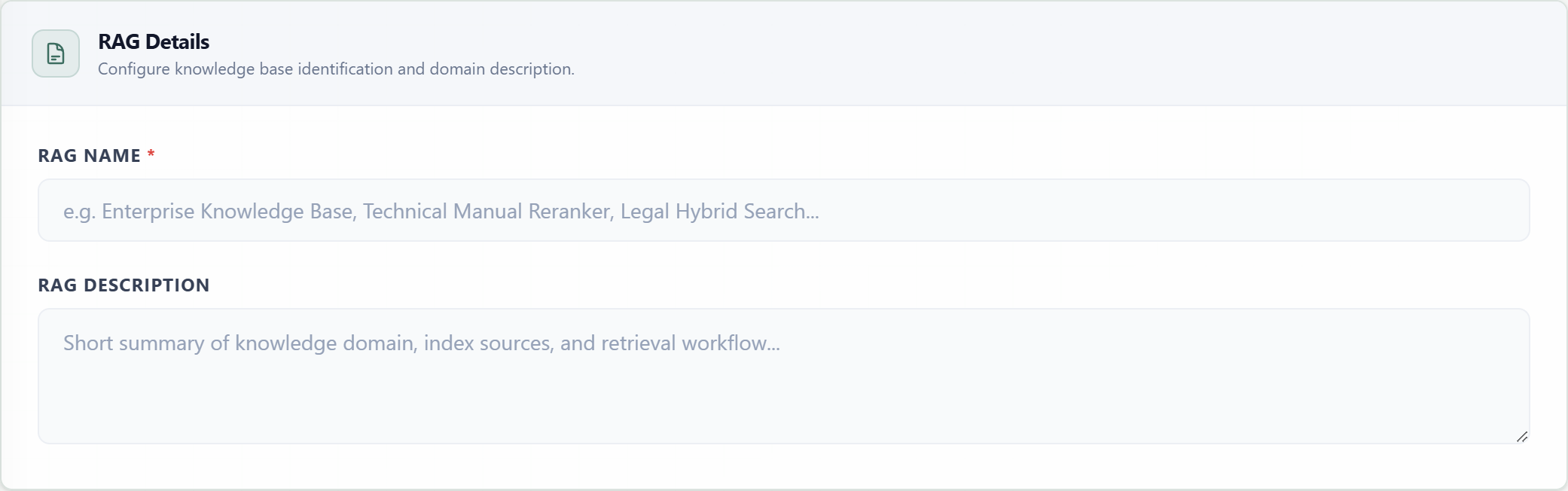
RAG NameRequiredThe display name used in RAG directories and selectors for agents, widgets, and API targets.
DescriptionOptionalA concise summary of the knowledge domain, source material, and retrieval purpose.
Step 02 · Section 02
Vector Embedding Model
The embedding model converts document chunks and queries into numeric vectors. The selected dimension fixes the vector shape used for indexing and similarity search.
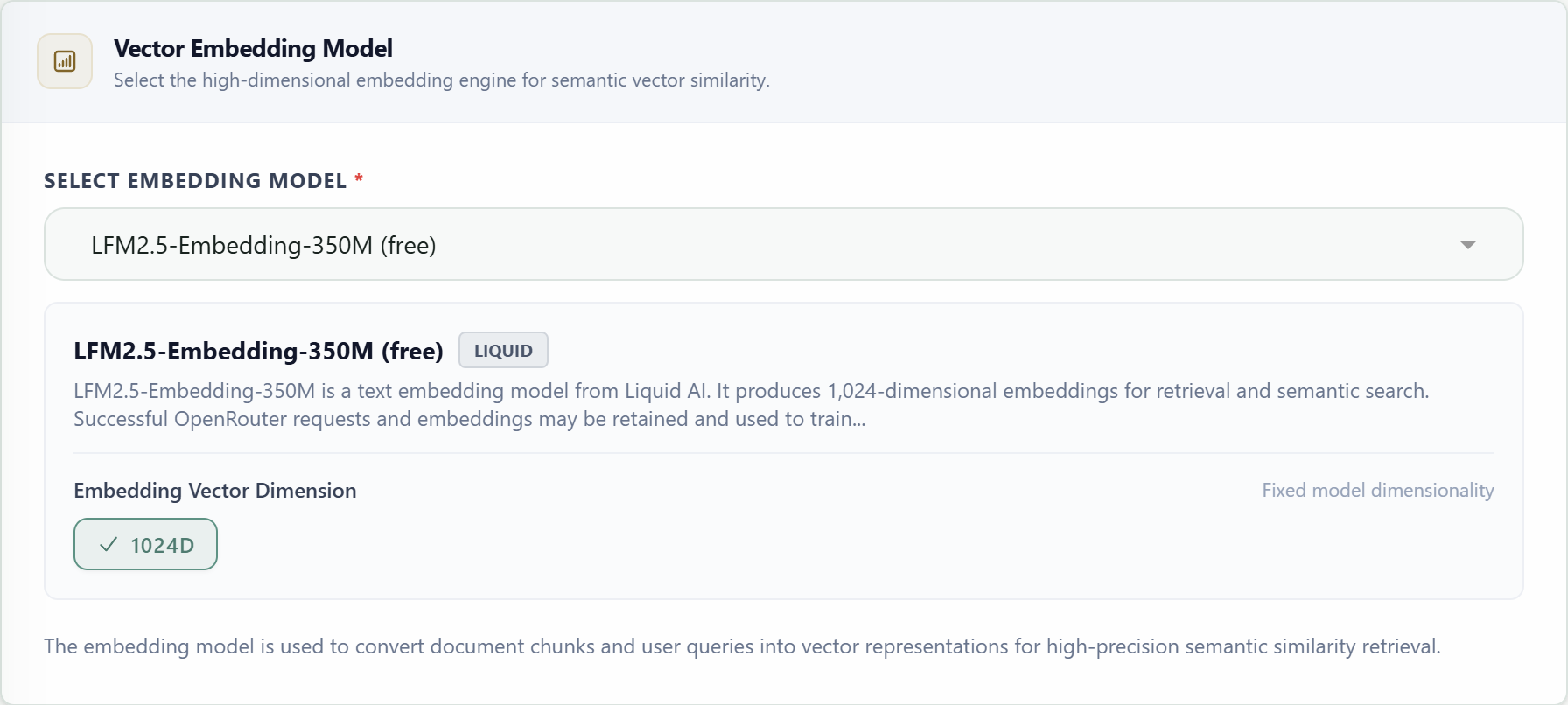
Embedding ModelRequiredSelects the provider model used to encode both document chunks and incoming queries.
Vector DimensionRequiredSets the number of numeric values stored for each vector representation.
Step 02 · Section 03
Rerank AI Model
The rerank model applies a neural cross-encoder to score each candidate passage against the user query after broad vector retrieval. It re-orders the candidates so the final context keeps the most relevant passages.
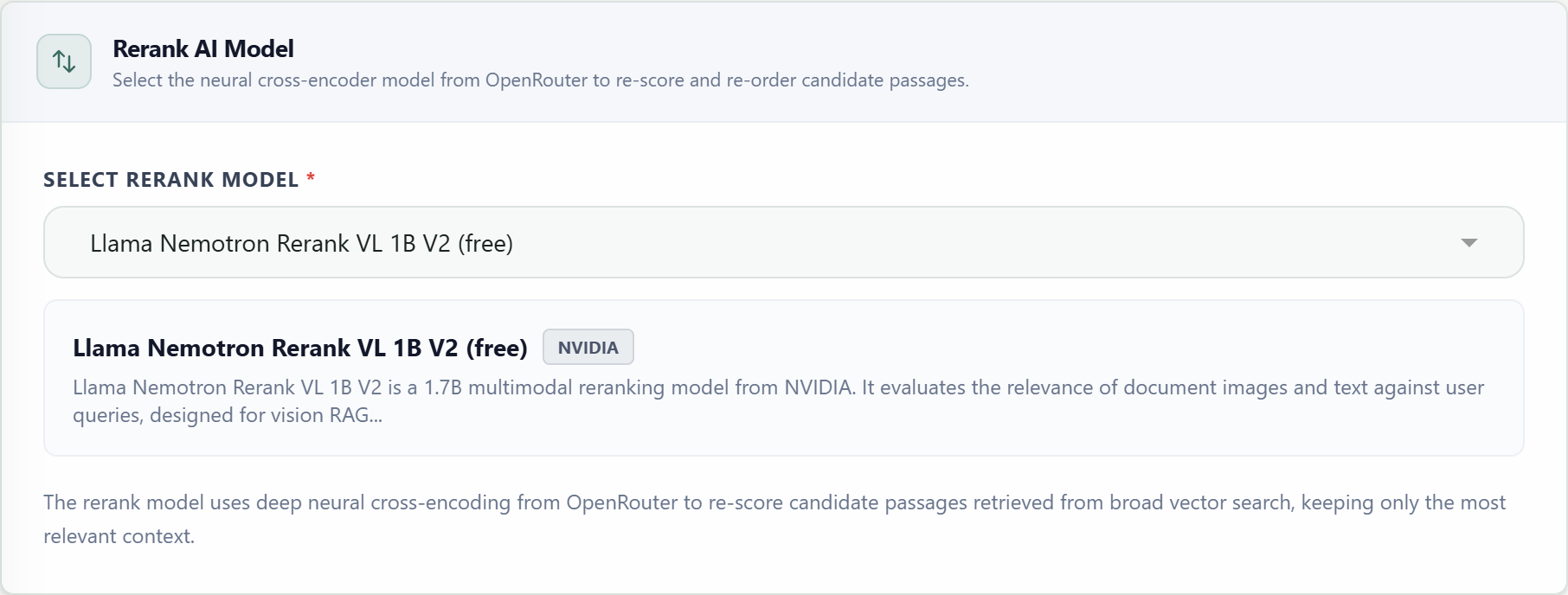
Rerank ModelRequiredSelects the cross-encoder used to score vector-search candidates against each query.
Step 02 · Sections 04–07
Specialized AI Models
Additional models appear only when the architecture or an optional capability needs them. Each compatible reasoning model can also expose an effort selector after selection.
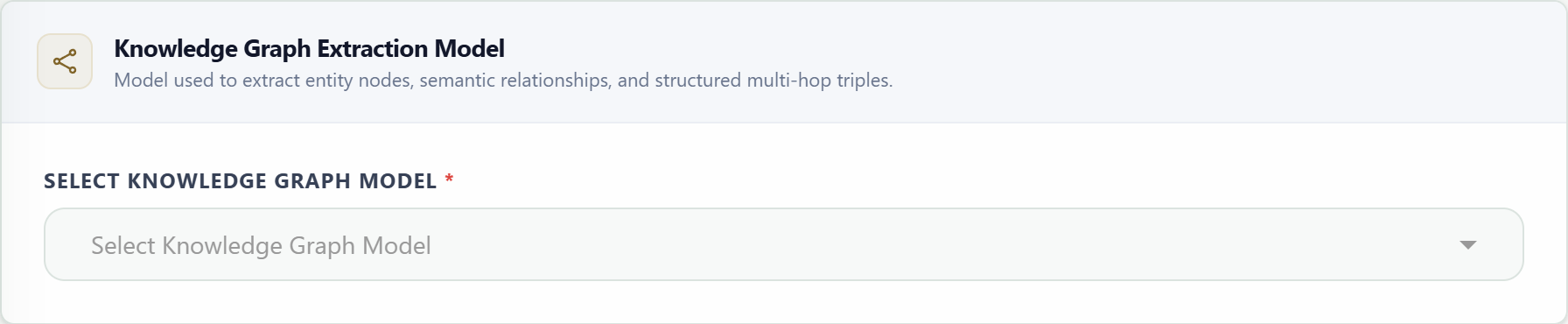
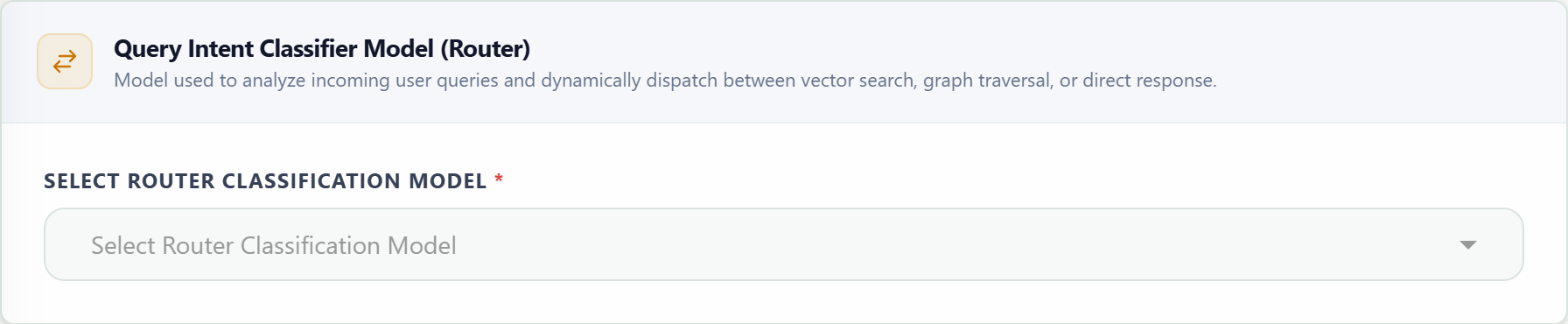


Graph ModelConditionalExtracts entity nodes, semantic relationships, and structured triples during indexing.
Router ModelConditionalClassifies incoming intent and selects vector retrieval, graph traversal, or direct response.
Vision ModelConditionalDescribes images, charts, and diagrams so visual information can join the searchable context.
Response ModelConditionalTurns retrieved passages into a grounded conversational answer for standalone RAG queries and widgets.
Reasoning EffortConditionalApplies a supported effort level to graph, router, vision, or response models.
TemperatureConditionalControls variation in generated output for applicable generative stages.
Step 02 · Section 08
Architecture & Retrieval Parameters
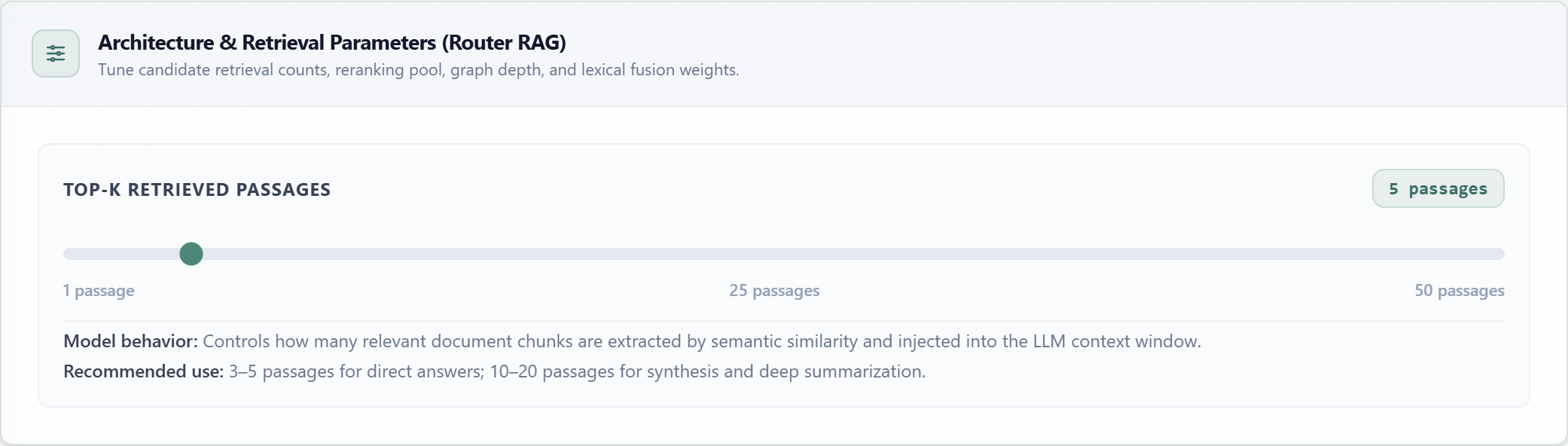
Sliders control the amount of candidate context collected at each stage. The card changes with the selected pattern, so only parameters used by that pipeline are shown.
| Parameter | Pattern | Default / Range | Purpose |
|---|---|---|---|
| top_k | Naive, Multimodal, Router | 5 · 1–50 | Passages injected into the final context. |
| initial_top_k | Retrieve-and-Rerank | 25 · 5–100 | Broad semantic candidate pool before reranking. |
| final_top_k | Rerank, Hybrid | 5 · 1–20 | Passages retained after reranking or rank fusion. |
| vector_top_k | Graph | 4 · 1–20 | Semantic seed chunks used to locate graph entities. |
| graph_depth | Graph | 1 · 1–3 | Relationship hops traversed from the seed entities. |
| graph_limit | Graph | 20 · 1–100 | Maximum entity-relation triples added to context. |
| vector_k | Hybrid | 15 · 1–50 | Dense semantic candidates included in rank fusion. |
| bm25_k | Hybrid | 15 · 1–50 | Sparse lexical candidates included in rank fusion. |
Step 02 · Section 08
Knowledge Base Documents
Save the RAG first to enable document uploads. Uploaded files are indexed with the selected embedding model and become available to retrieval after processing completes.
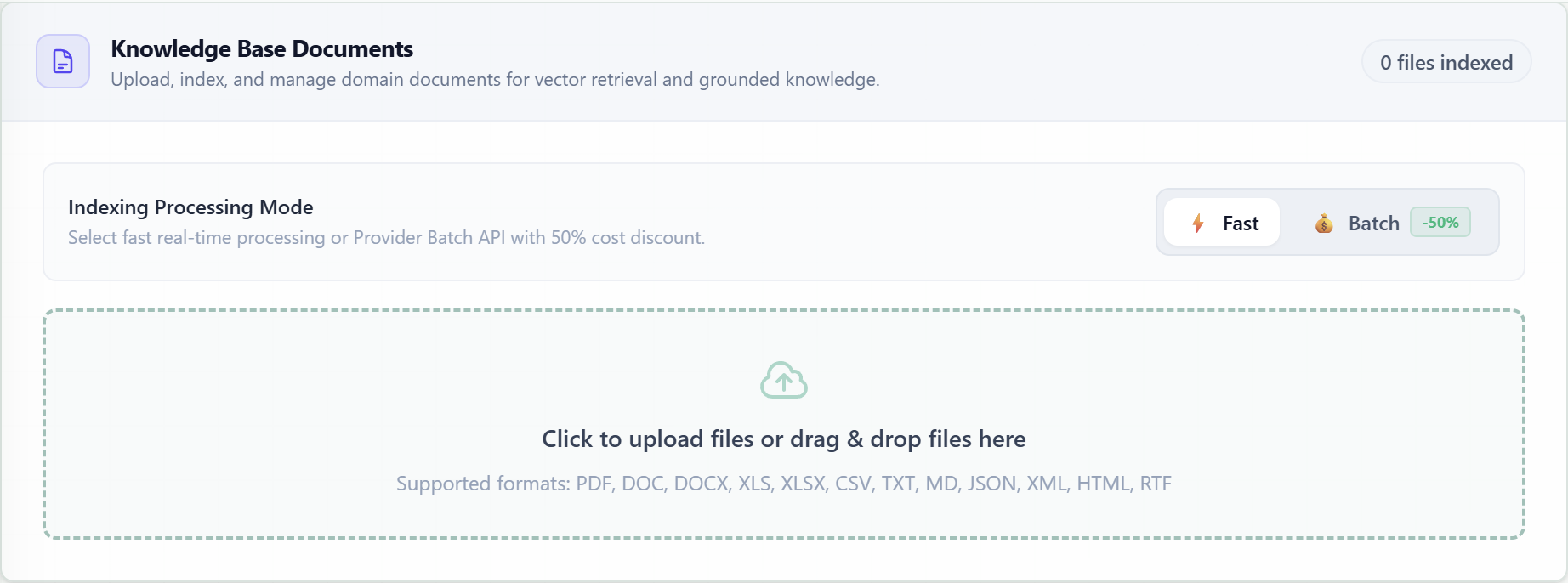
Changing the embedding model or vector dimension after indexing can require documents to be reprocessed so stored vectors remain compatible.
Step 02 · Section 09
Live Query Testing
After saving and indexing documents, submit representative queries to inspect the grounded answer, retrieved chunks, extracted facts, execution steps, and assembled context.

Required before save
Pattern, RAG name, embedding model, vector dimension, and every model required by the selected architecture.
After creation
Use questions that require exact facts and multi-source synthesis, then adjust retrieval limits based on the returned evidence.